 edory
edory
Parents often face the challenge of finding stories that are not only exciting but also optimally suited to their children's reading skills and creativity. Choosing digital story profiles plays a central role in creating an individualized, pedagogically valuable reading experience. With interactive story profiles that can be flexibly adapted to the needs of preschool children, parents can specifically promote language development and imagination, accompanying young readers on their discovery journey together.
Table of Contents
- Step 1: Choose appropriate story profiles
- Step 2: Set up the Edory App individually
- Step 3: Create interactive story time together
- Step 4: Encourage conversation and imagination after reading
- Step 5: Check learning progress and adjust content
Quick Summary
| Key Point | Explanation |
|---|---|
| 1. Choose age-appropriate story profiles | Pay attention to reading ability, text length, and your child's topic interests to make the right selection. |
| 2. Set up Edory App individually | Customize user settings to your child's age and abilities to optimize usage. |
| 3. Create interactive story time | Integrate active questions and creative elements to encourage your child to co-create the stories. |
| 4. Encourage conversation and imagination after reading | Ask open-ended questions and inspire creative follow-up activities to deepen text comprehension. |
| 5. Check learning progress regularly | Analyze your child's progress and continuously adapt content and techniques to their development. |
Step 1: Choose Appropriate Story Profiles
When selecting digital story profiles for children, there are several important aspects to consider. Parents must carefully analyze age-appropriate story profiles to create an optimal reading experience.
Selecting the right story profiles requires considering various criteria. First, pay attention to your child's reading ability. Consider text length, language complexity, and thematic interests. The story should be neither too easy nor too difficult. Other important selection criteria are the interactive opportunities the story offers and its ability to support language and cognitive development.
Also consider technical requirements and legal framework when selecting digital stories. Check the app's parental controls and educational quality. Individual story profiles can significantly increase your child's reading progress and motivation.
Pro Tip: Let your child help choose the stories to naturally encourage their reading enthusiasm.
Here are important differences between classic and digital story profiles for children:
| Criteria | Classic Stories | Digital Story Profiles |
|---|---|---|
| Interactivity | Mainly passive | High engagement possible |
| Adaptability | Hardly variable | Individually customizable |
| Learning progress measurement | Only through adults | Integrated tracking tools |
| Access to content | Limited book selection | Diverse libraries |
Step 2: Set Up the Edory App Individually
After selecting the right app, the important process of individual customization begins. Digital read-aloud projects require careful alignment with your child's needs and abilities.
First, you should strategically adjust the user settings. Choose a profile that considers your child's age range and developmental level. Look for features like difficulty adjustment, read-aloud mode, and interactive elements. User-friendly interfaces enable easy navigation and personalization.

The Edory App offers various customization options. Make sure the stories match your child's themes and language. Enable learning objectives and progress tracking to monitor development. Regularly review settings and adjust them as your child's abilities grow.
Pro Tip: Take time to explore the app together with your child and discover its features step by step.
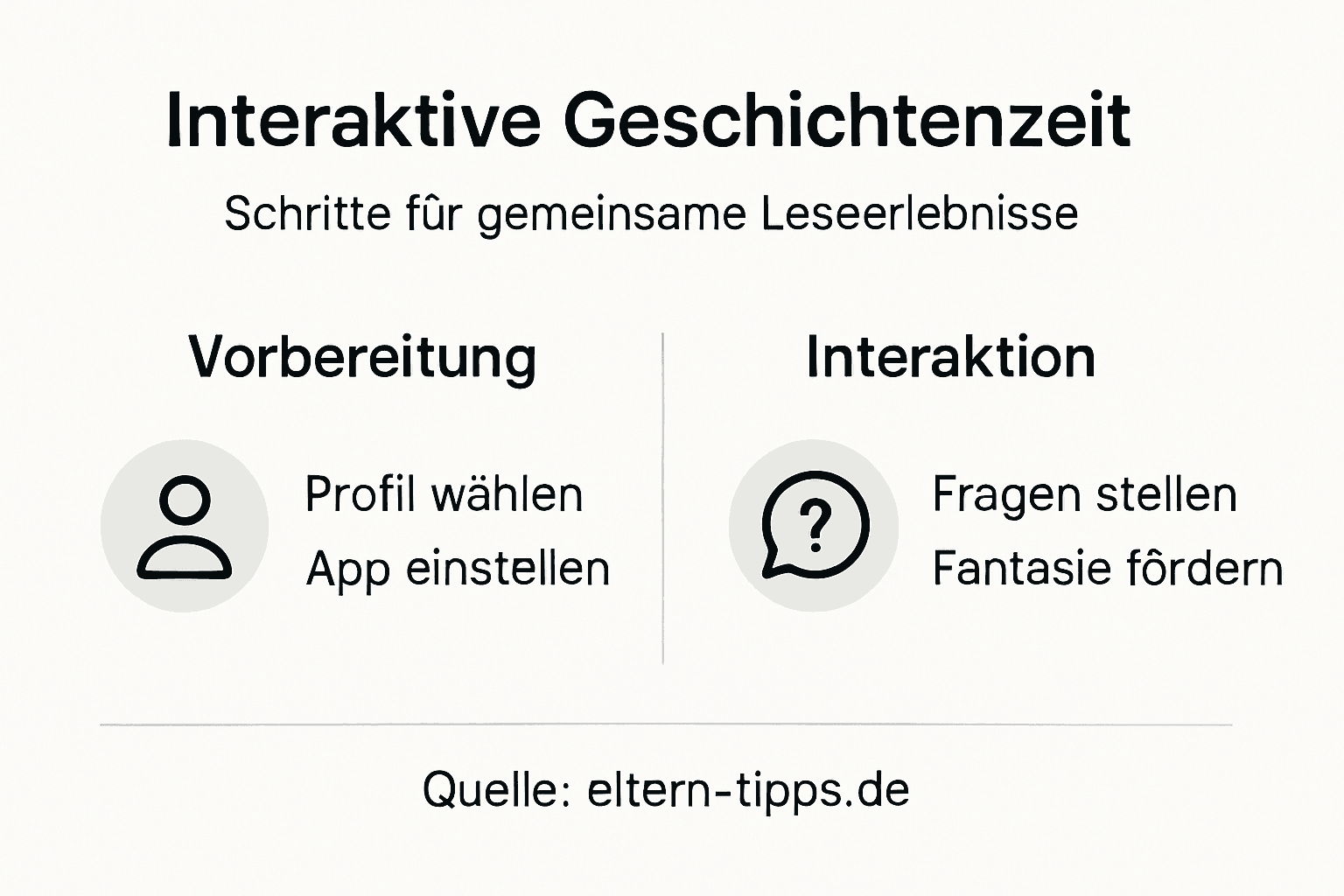
Step 3: Create Interactive Story Time Together
Successful interactive story time requires more than just reading aloud. Interactive read-aloud activities should actively engage children and encourage creative participation.
Start by encouraging your child to actively participate in the story. Ask open-ended questions about the plot, have your child make predictions about what happens next, or invent alternative endings. Playful reading methods can include sound effects, movements, or small role plays to make the reading experience lively and exciting.
Be sure to create space for dialogue and creativity. Encourage your child to describe characters, name feelings, and develop their own thoughts about the story. Be surprised by your child's imaginative ideas and interpretations. This transforms reading aloud into a shared, interactive experience that goes far beyond simply listening.
Pro Tip: Vary your reading voice and pause at exciting moments to increase attention and suspense.
Step 4: Encourage Conversation and Imagination After Reading
After reading aloud, an important moment of creative engagement begins. Post-reading discussions about stories help expand text comprehension and children's imagination.
Ask open-ended questions that encourage your child to think and tell stories. Ask about the characters' feelings, possible alternative plot developments, or what they would do in a similar situation. Creative conversation starters can include role plays, drawing activities, or jointly inventing continuations of the story.
Support your child's imagination through practical follow-up activities. Encourage them to reenact scenes, draw characters, or invent their own stories based on the characters they've read about. These creative processes not only deepen text comprehension but also promote language development and imagination.
Pro Tip: Listen actively to your child and show genuine interest in their thoughts and interpretations.
These creative follow-up activities can strengthen the learning effect after shared story time:
| Activity | Development Goal | Example |
|---|---|---|
| Role play | Language skills & Empathy | Reenact scenes |
| Drawing | Imagination & Text comprehension | Paint favorite character |
| Own continuation | Creative storytelling | Invent story continuation |
| Dialogue about feelings | Social learning | Discuss main character's feelings |
Step 5: Check Learning Progress and Adjust Content
Supporting your child's learning progress requires regular observation and targeted adjustments. Modern learning evaluation methods help parents understand their child's development level precisely.
Analyze your child's reading ability through various indicators such as reading speed, text comprehension, and language development. Digital read-aloud projects often provide integrated evaluation tools that help you identify strengths and development opportunities. Pay attention to aspects like reading fluency, vocabulary development, and interest in different story types.
Continuously adjust the story selection and reading techniques based on progress. Choose content that is both challenging and motivating. Text that is too easy can bore, while text that is too difficult can reduce motivation. Be flexible and observe your child's reactions.
Pro Tip: Keep a brief reading journal to playfully document progress and special moments.
Discover Customized Interactive Stories for Your Children
The tips in this article clearly show how important it is to foster children's love of reading and imagination with age-appropriate and interactive story profiles. However, selecting and personalizing suitable read-aloud content can be challenging. Parents want innovative solutions that not only offer exciting stories but also carefully accompany their child's development and adapt flexibly.
Here Edory.ai supports you as an intelligent platform for educational children's stories. Edory uses cutting-edge AI technology to create new stories every day that are individually tailored to age and interests. This way, you create a varied and safe read-aloud time that sustainably strengthens your child's creativity and language skills. Discover our collection now and helpful tips in the Uncategorized – Edory AI – Educational Children's Stories category. Take the opportunity to make your read-aloud experience interactive and personal. Visit https://edory.ai and start today with individually generated children's stories that combine fun with learning.
Frequently Asked Questions
How do I choose the right digital story profile for my child?
To choose the right digital story profile, consider your child's reading ability, text length, language, and thematic interests. Make sure the story is neither too easy nor too difficult, and involve your child in the selection to encourage their reading enthusiasm.
What technical requirements do I need to consider for interactive story apps?
Check the app's technical requirements, such as device compatibility and internet access. Also pay attention to security features and the educational quality of the app to ensure a safe reading environment.
How do I create interactive story time with my child?
Encourage your child to actively participate in the story by asking questions and having them share their own ideas. Use open-ended questions to encourage dialogue, and integrate playful elements like sound effects or small role plays to make the experience lively.
What follow-up activities are useful after reading?
After reading, activities like role plays, drawing characters, or inventing your own stories are beneficial. These creative processes deepen text comprehension and promote your child's language development and imagination.
How do I monitor my child's learning progress while reading?
Regularly analyze your child's reading ability using aspects like reading speed and text comprehension. Keep a brief reading journal to document progress and be able to respond specifically to developmental needs.
What can I do if my child shows no interest in a story?
If your child isn't interested in a story, switch the narrative style or story type. Try different genres or interactive elements to spark curiosity and increase engagement.
Recommendation
- Guide Children with Stories: Creative Ways for Parents – Edory AI – Educational Children's Stories
- Spark a Love of Reading: The Best Tips for Children – Edory AI – Educational Children's Stories
- Interactive Stories for Children: Understanding and Experiencing – Edory AI – Educational Children's Stories
- Creating Creative Stories with Storytelling Techniques for Parents – Edory AI – Educational Children's Stories